MediaDB
MediaDBは、大量のハードドライブやディスクを扱う小規模なポストプロダクションやフリーランスにとって欠かせないツールです。使用中のすべてのハードドライブとファイルのデータベースを作成できます。ドライブがオフラインの状態でも、ファイルを検索したりディレクトリツリーを閲覧したりできます。また、フィルムのコンフォーム作業の際に、EDLからDaVinci Resolve用のRCPファイルを作成することもできます。
MediaDBは、大量のハードドライブやディスクを扱う小規模なポストプロダクションやフリーランスにとって欠かせないツールです。使用中のすべてのハードドライブとファイルのデータベースを作成できます。ドライブがオフラインの状態でも、ファイルを検索したりディレクトリツリーを閲覧したりできます。また、フィルムのコンフォーム作業の際に、EDLからDaVinci Resolve用のRCPファイルを作成することもできます。
The perfect tool to manage a huge archive of drives in small post-production studios or for freelancers.
The demo version allows to scan the first 50 files on each drive.
Requires macOS 11.5 or later
Scans the hard drives and add them it to the database. Make sure every drive has a unique name. If you add or remove files from the drive you can scan it again and the database will be updated.
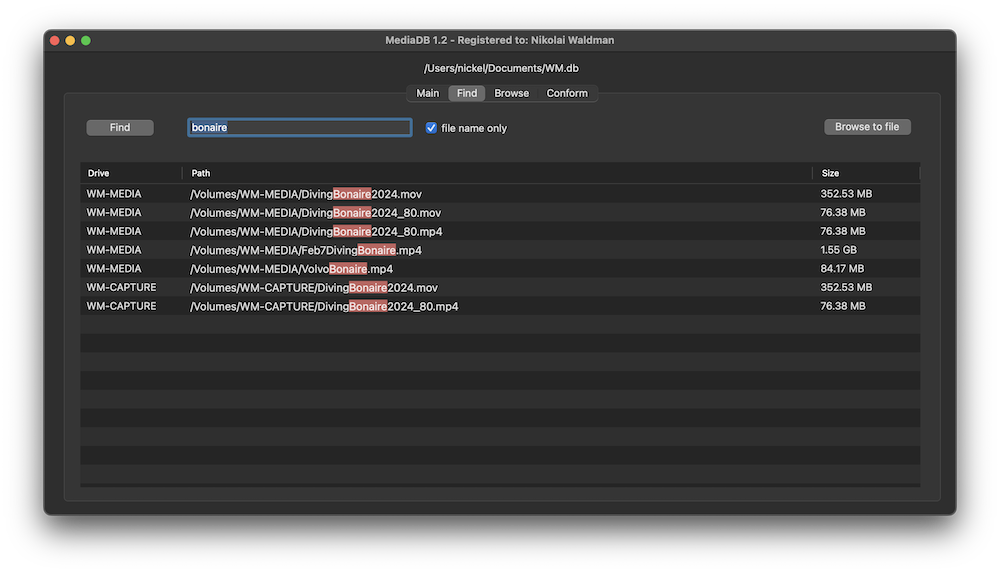
Use MediaDB to find a file when you need it without connecting any drives to your computer.
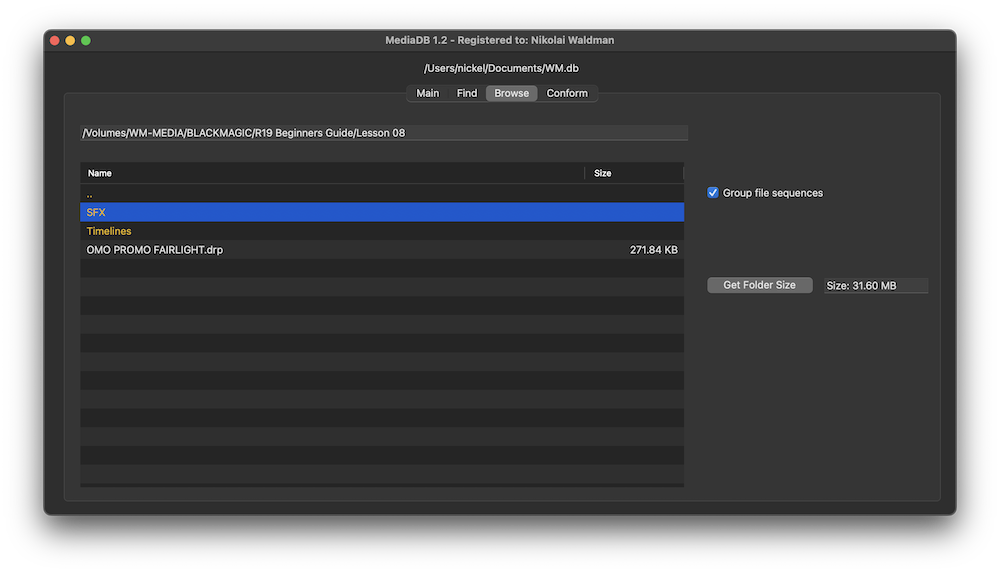
When selected, each file sequence will be presented in the format filename[start-end].extension
Select a folder and press the “Get Folder Size” button to calculate the size of all folders and files recursively.
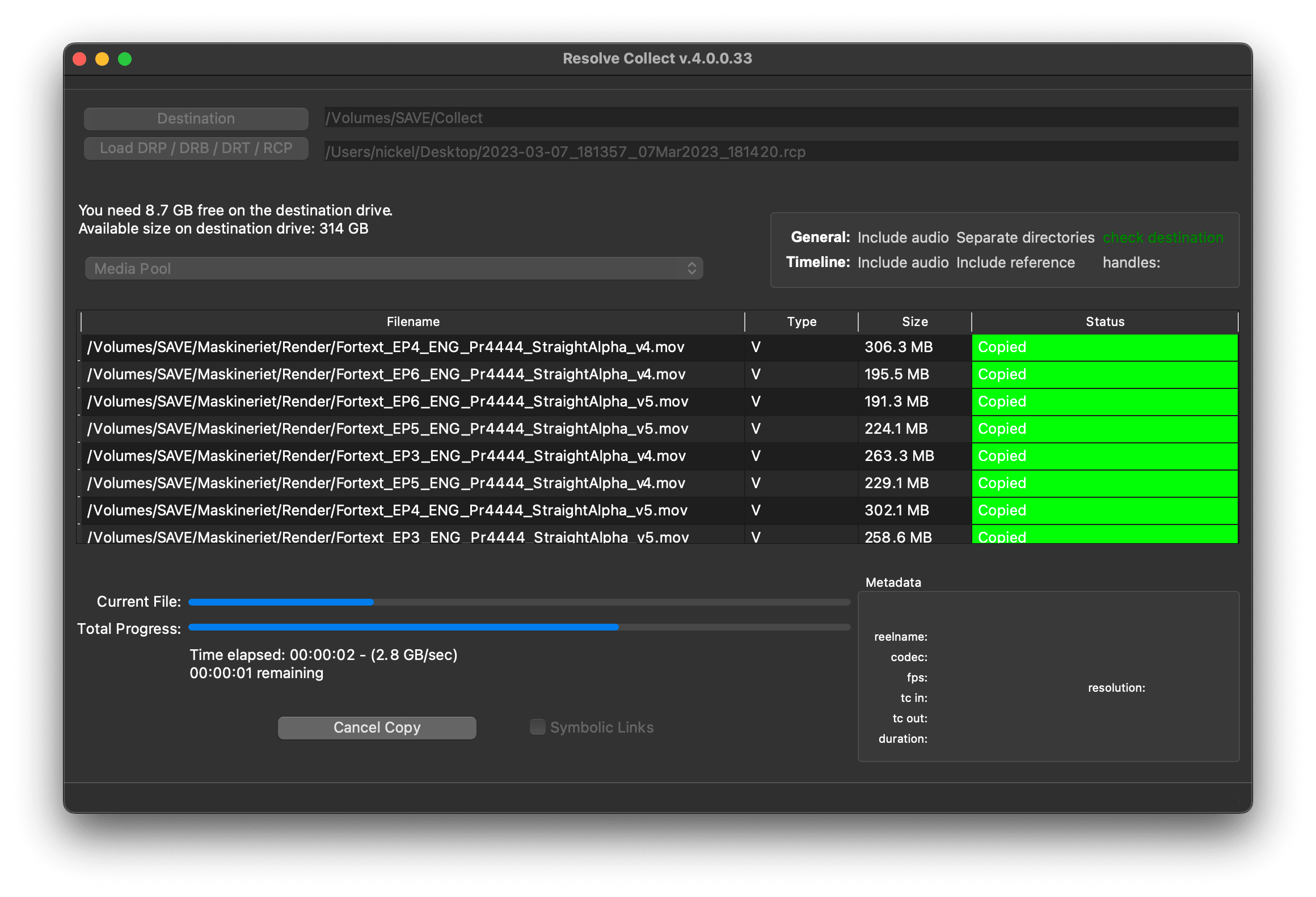
Import an EDL from any NLE with full reel names (e.g. File_129), and MediaDB will find the files and tell on which drives they are on. It will also create an RCP file, which you can then use with Resolve Collect to copy all the files.

Film Editors working on multiple projects often need to use multiple discs to store source footage and other assets. Rather than connecting hard drives to the computer and trying to find the correct file, MediaDB can easily locate the file. A quick search in the app is enough to find the necessary file and locate the correct disc. This is especially useful if the archive includes SD cards, USB sticks, and other virtual drives.

We offer three types of licenses. The single-user license is ideal for freelancers who want to use the software on one or two computers. This license is tied to a single account. For companies, we offer a team license, which is bound to the company. The number of licenses can be chosen upon purchase, with a minimum of three licenses. We also offer an enterprise option. Please contact our sales team for more information. All licenses are perpetual.
ご注意:現在、プラグイン自体は英語版のみとなっております。
安全な「Paddle」チェックアウトにリダイレクトされます。Paddle.comはMerchant of Record(販売代行事業者)です。
リバースチャージ: 法人として購入し、VAT IDをお持ちの場合、一部の国ではリバースチャージ方式を利用できることがあります。チェックアウトページで国と郵便番号を選択した後、左側の「Add VAT ID」(VAT IDを追加)をクリックしてください。
Resolve Collect and MediaDB
ご質問や機能リクエストは、サポートチームまでご連絡を。喜んでお手伝いさせていただく!
ダウンロード後、zipファイルを解凍し、.pkgファイルを起動します。その後、インストールウィザードに従ってください。
From the app menu, select File > Register. Enter your license key in the "Key" field.
To remove a license from a device, choose File > Register from the app menu. Click on "Remove License".
You can save the database file to a server and connect to it there. However, be aware that the connection speed will be much slower. For the best speed, it’s better to have one master database file that you distribute to all the machines that need to access it.
はい、アップデートがあれば無料でダウンロードできます。
いいえ、このアプリケーションはオフラインで動作し、プロジェクトデータをオンラインで共有することはありません。
このアプリはmacOSでのみサポートされています。
.appファイルをコンピューターから削除するだけです。
アプリの機能、新しいオプション、カスタムバージョンが必要な場合は、メッセージをお送りください。私たちはあなたのビジネスのためのカスタムソリューションを提供します。
Nikolai Waldman leads development for this app, which is published and distributed via EditingTools.io.