1. Export a SRT subtitle file from Whisper Transcription App
To export subtitles from the Whisper Transcription App, go to Export and select "Subtitles" and "SRT" as the format.
2. Use the "字幕ツール&コンバーター" to convert the SRT subtitle file into a CSV file
Open the free 字幕ツール&コンバーター, select "SRT" and set "convert" to "CSV for Apple Numbers". Generate and download the file. ファイルの変換で問題が発生した場合は、無料のサポートにお問い合わせいただけます。
3. Import the CSV file into Numbers
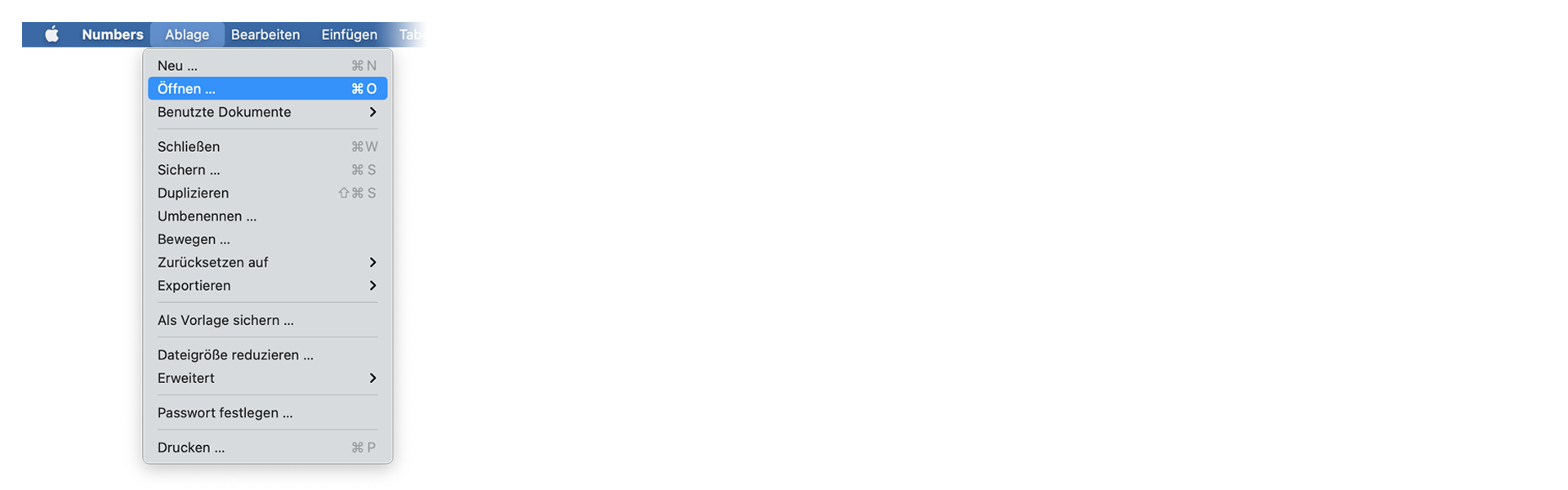
Open Numbers and go to "File -> Open". Simply open the CSV file.
🚀 完了
以上です!このチュートリアルが役に立ったら、ぜひシェアして応援してください。ワークフローの改善案があれば、ぜひお知らせください!